Your company, alive.

Geist builds a living model of your company: its processes, sites, suppliers and teams, connected to your systems and to what happens in the world. When something changes, you see what it touches and what to do about it.

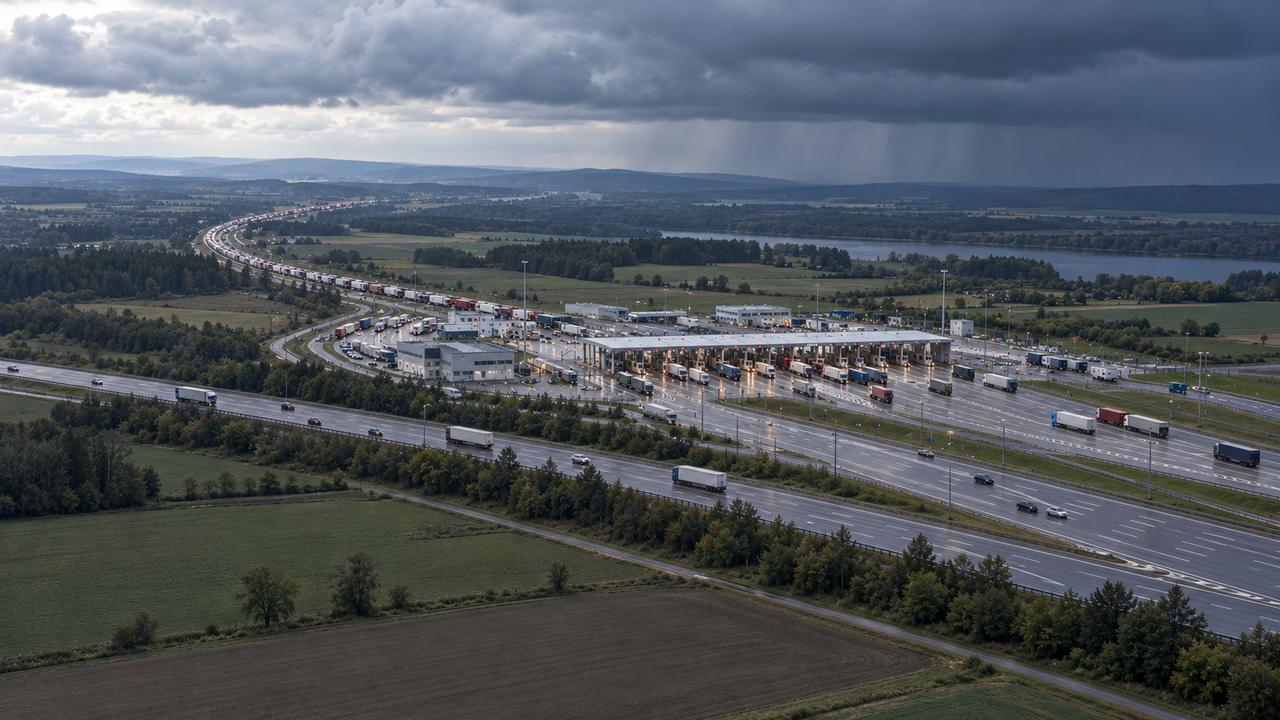
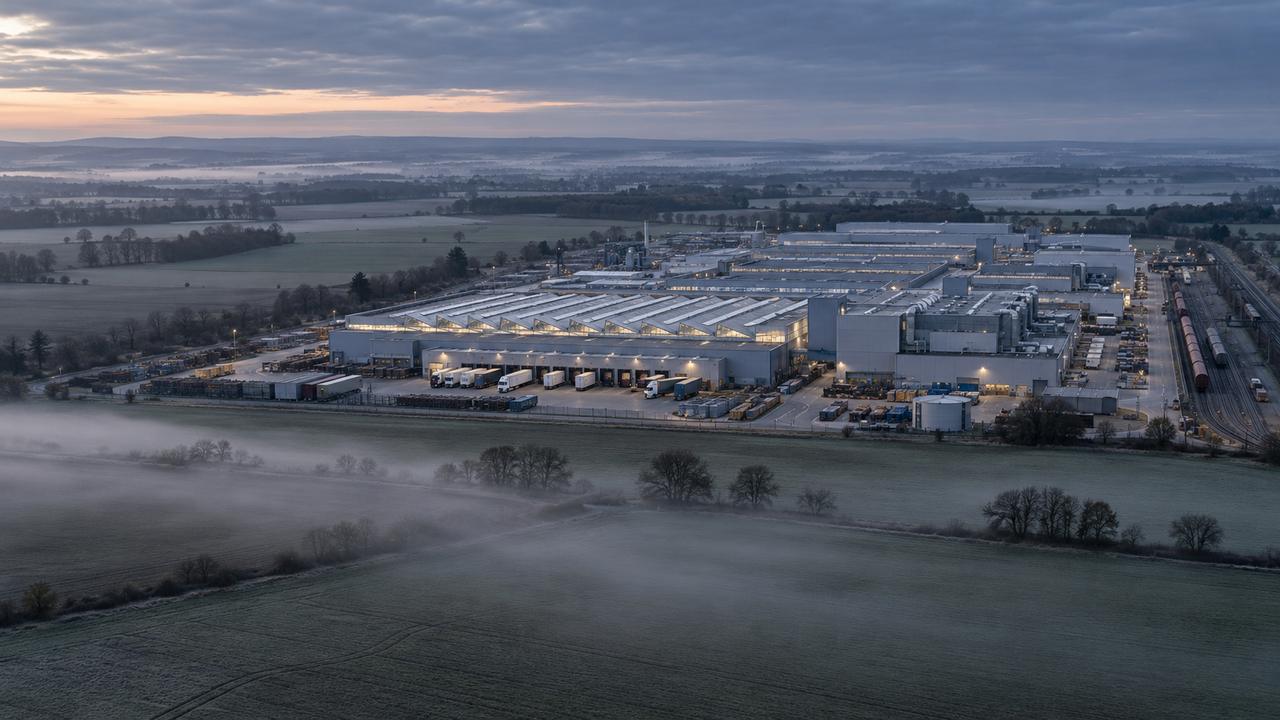
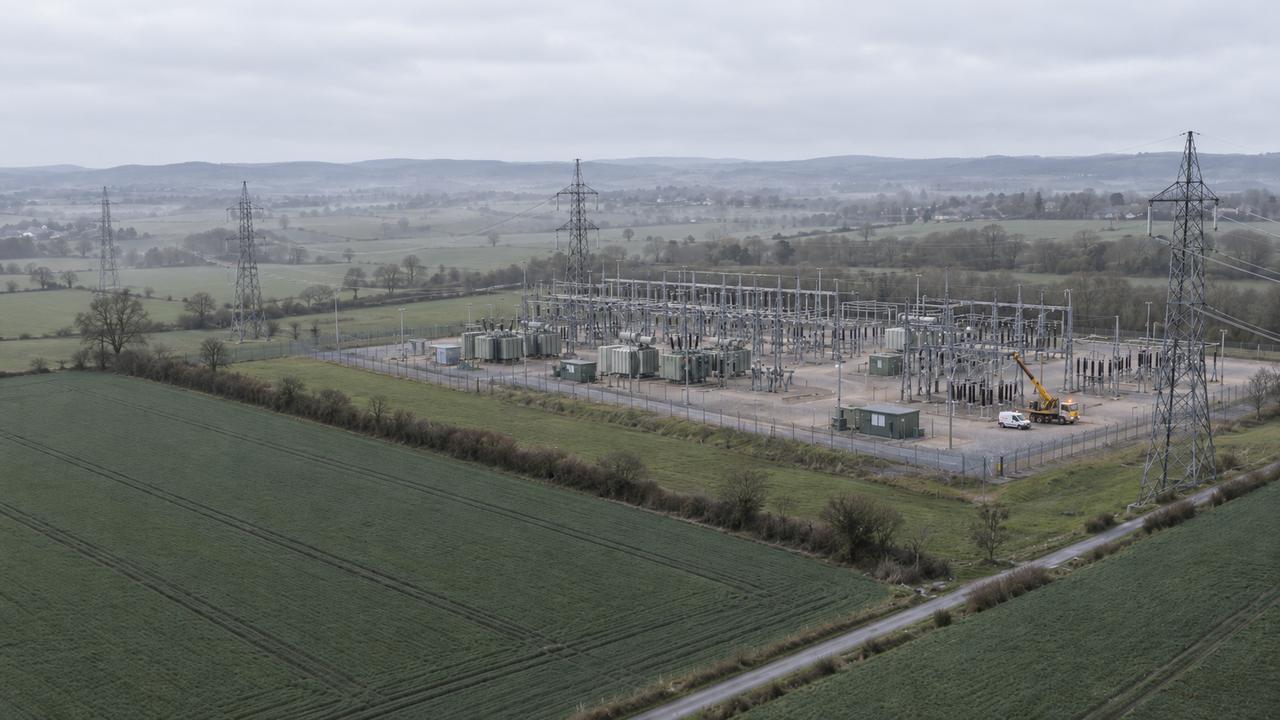
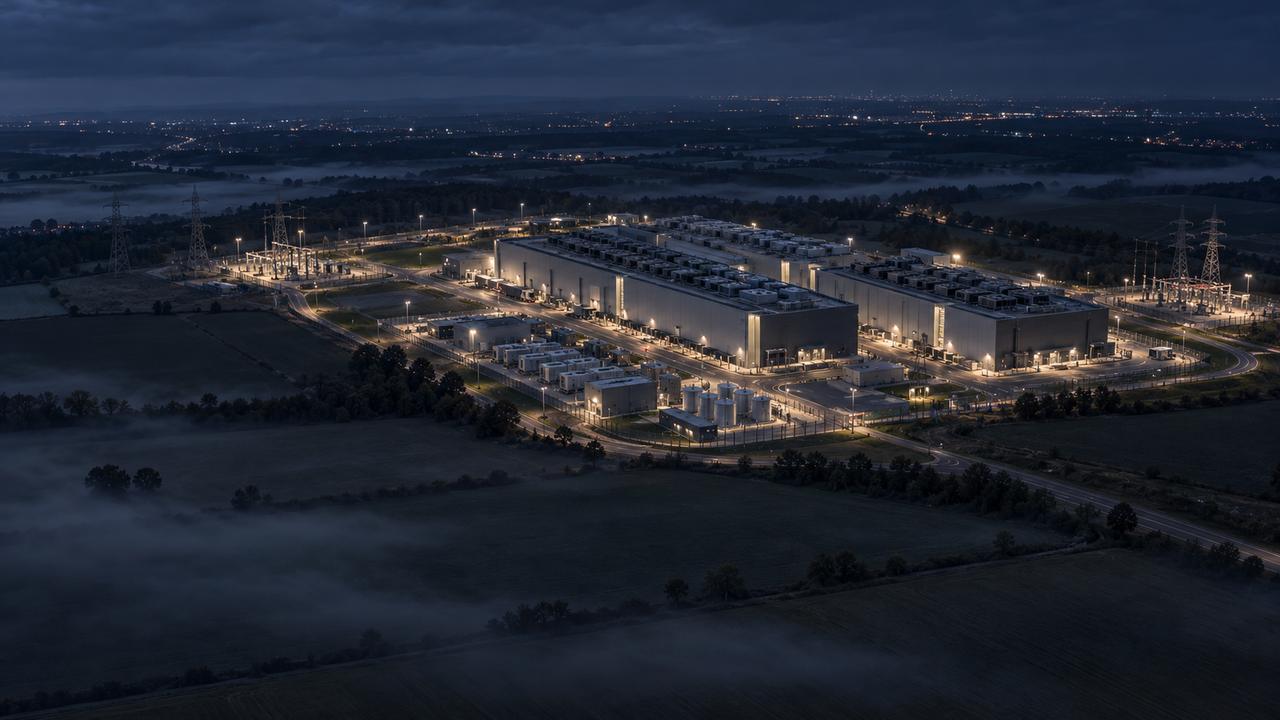
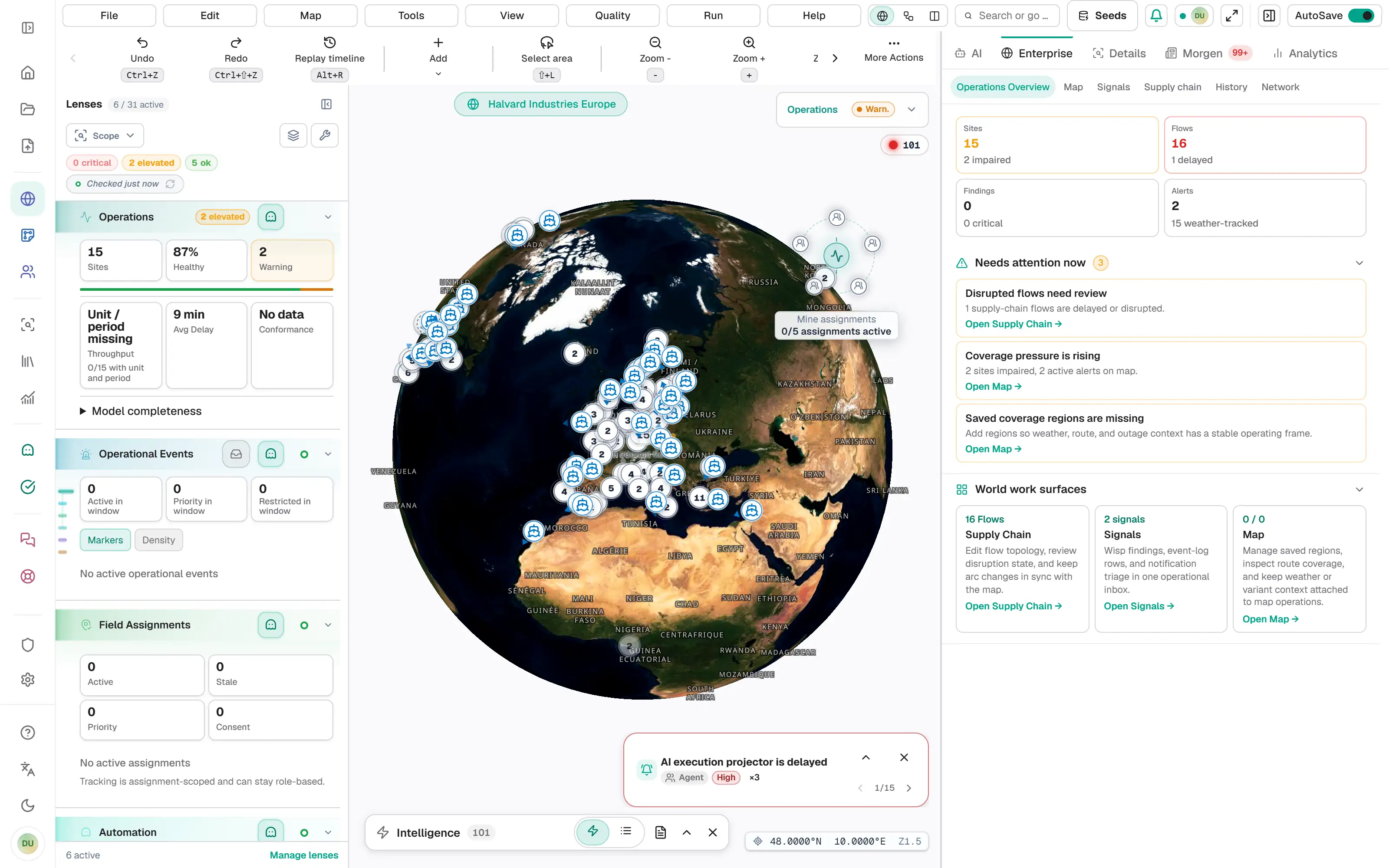
Example scenarios on a fictional company network. A delayed feeder vessel with bearings for Kassel Pump Plant leads to a proposal to pull bearings from Lyon DC. The inbound logistics team transfers 2,400 bearings, and line 2 keeps running. A critical gateway advisory leads to a patch window and a temporary route for order intake. Possible approval bypasses in Brno lead to holding 14 purchase orders for second approvals. A power price spike leads to moving heat treatment to night shifts. Each proposal becomes a ServiceNow incident that the responsible team works and resolves; write-back covers ServiceNow incidents only and is in beta.

Example scenarios

An example · Supply chain

A shipment slips. What happens next?

An illustrative workflow, not a customer case study. Start with a signal, examine the process and choose a response. Your team connects the steps, using the sources you have configured.

  1. 01 · Observe

    Put the disruption in context.

    A port disruption appears near a supply route. In Horizon, inspect the signal alongside your sites and routes, then check which suppliers need attention.

  2. 02 · Model

    Make the receiving process explicit.

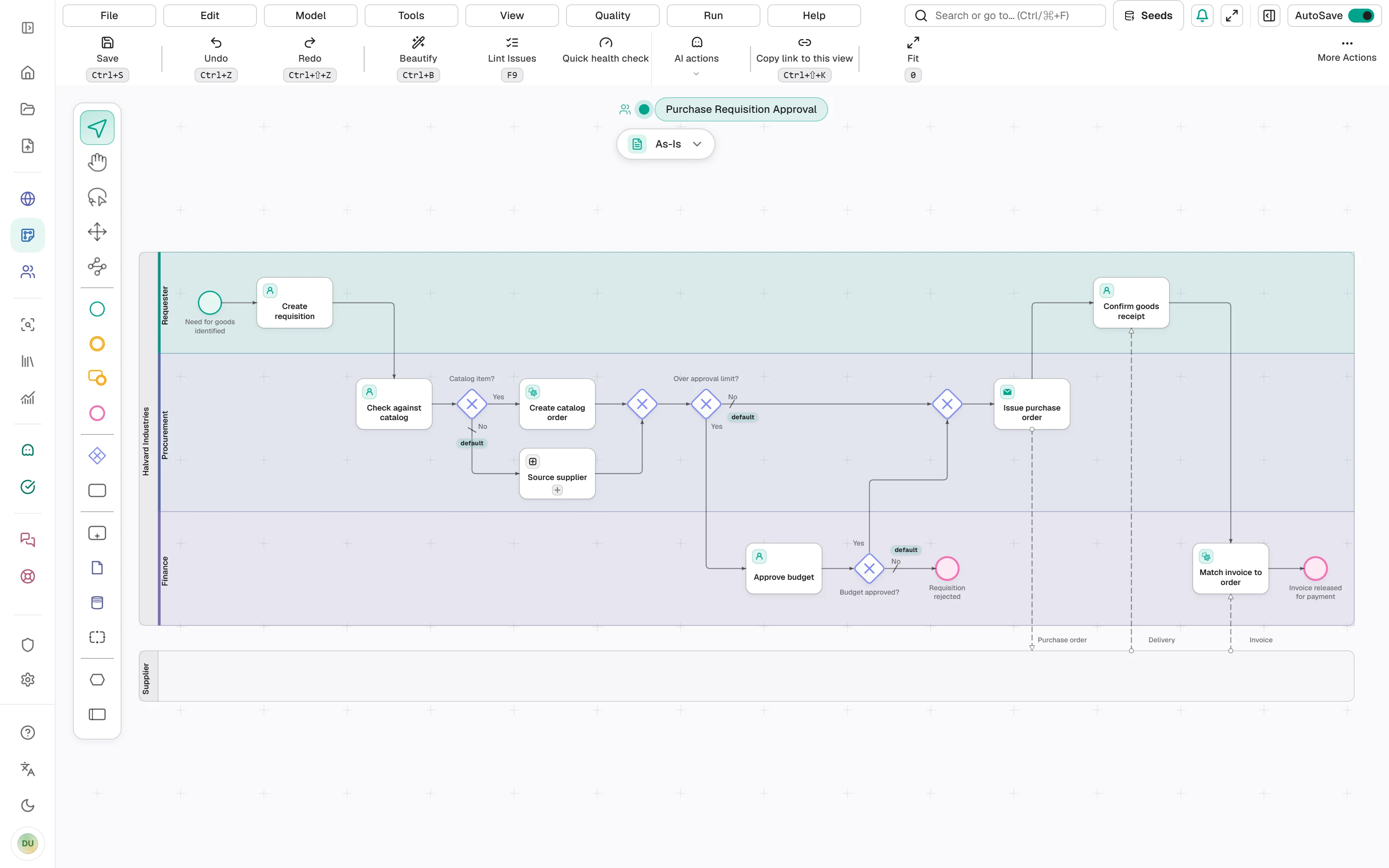
    Open the receiving model in Blueprint. Ask Wisp to draft an exception path for delayed deliveries. In Review mode, inspect the proposed batch before accepting it.

  3. 03 · Optimize

    Check where the work waits.

    With a relevant event log, compare process variants and waiting times. Use the evidence to decide whether the receiving process needs a different approval or handoff.

  4. 04 · Act

    Choose the next action.

    Review a proposal in Wisp with its evidence. Apply the agreed change in Blueprint or Horizon, then watch for new signals. Actions in external systems depend on the connector and permissions you have configured.

Blueprint · AI draft

Describe the process. Review the draft.

Wisp builds the model group by group and highlights each group on the canvas. Everything from one request arrives as one batch, which you keep or undo.

How Blueprint works
Describe how the work runs today.Lanes come first, so every step lands with its owner.Each group is highlighted, in the order the work flows.Review the whole draft, then keep it or undo it in one step.
Wisp · Decisions

Many signals, few decisions.

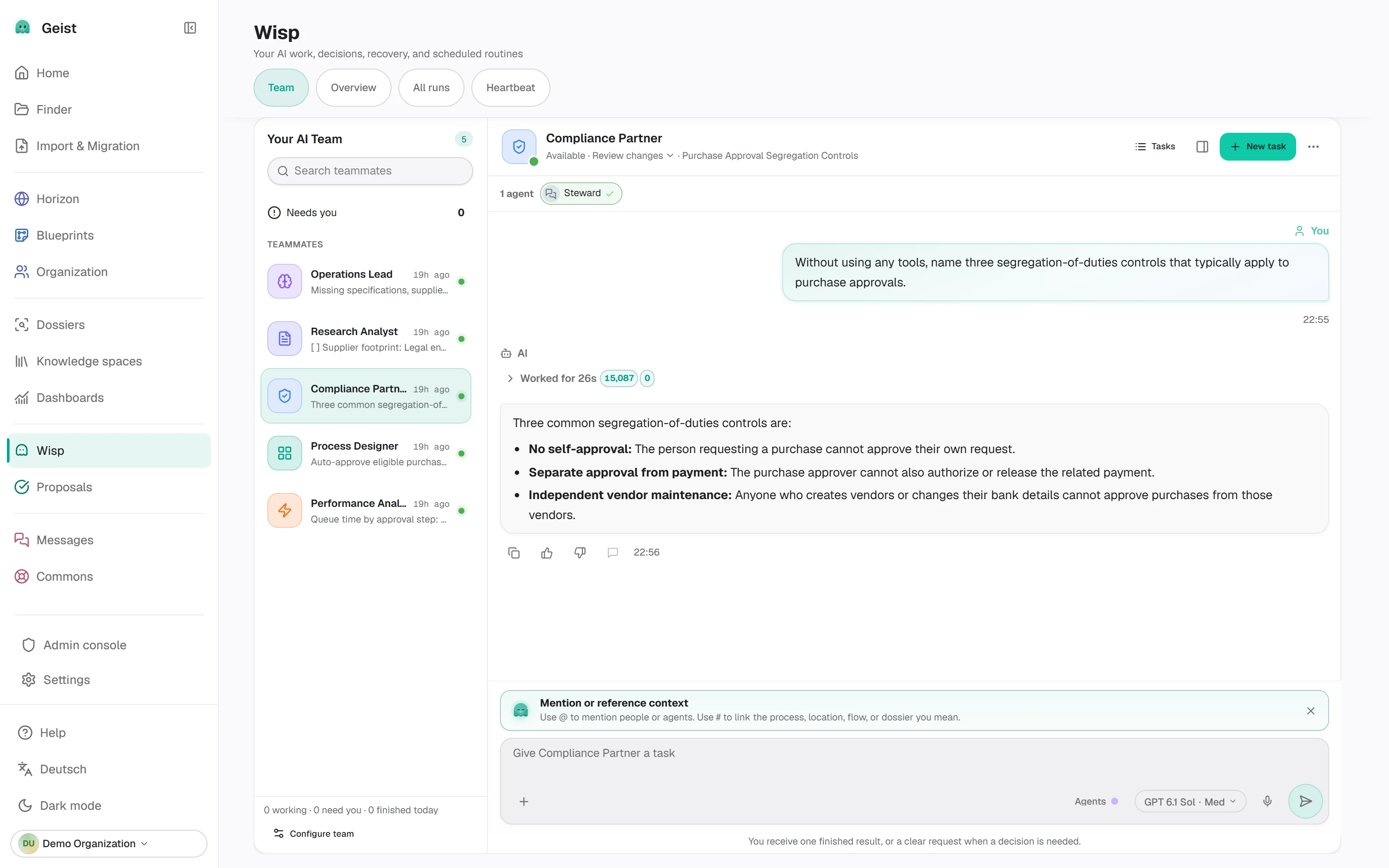
Connected feeds send events all day. Wisp checks each one against your sites, suppliers and open orders, and the ones that matter arrive as proposals with the evidence attached. You decide which proposals to act on.

Meet Wisp
Connected feeds send events all day.Wisp checks each event against your sites, suppliers and open orders.What matters arrives as a proposal. A person reviews it before anything changes.
Dashboards · AI build

Ask for a dashboard. Read what it shows.

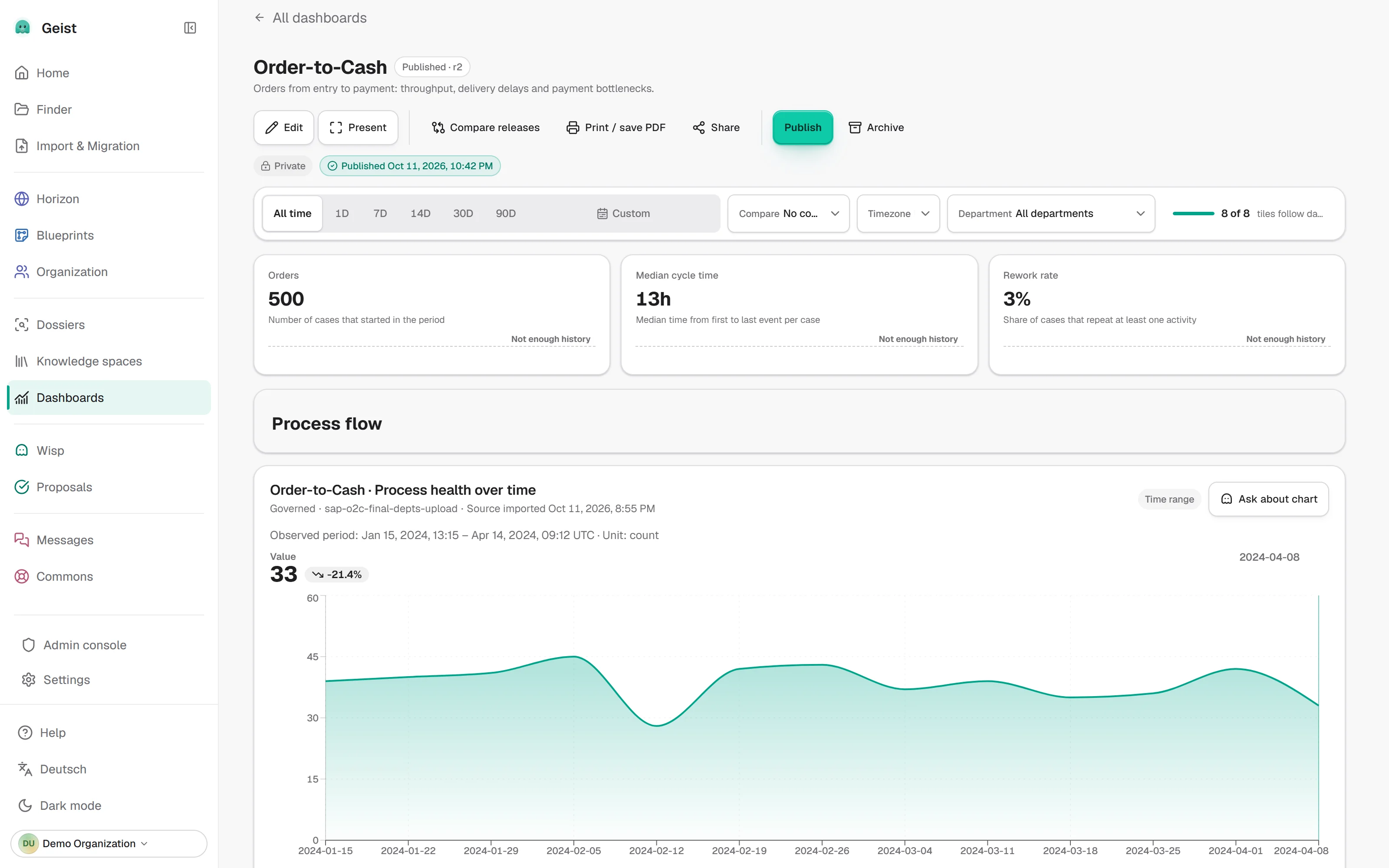
Describe the dashboard you need, and Wisp builds it from your event log: key figures, cycle times, bottlenecks. Explain this chart then puts a chart into words and lists the evidence.

How analytics works
Ask for the dashboard you need, in your own words.Wisp picks a template and binds it to your event log.Every tile reads the same event log.Wisp answers only from the histogram's own evidence.
Integrations

Works with the systems you already run.

Process models and business data come in, agents build documents with the models you choose, and approved changes go back out.

Documents agents createBeta

Decks, reports and workbooks built from your own data

Ask Wisp for a board deck, an audit report or a cost model. Agents work from your process models, event logs, files and research, then build native PowerPoint, Word and Excel files in your own company templates.

  • Your company templates and branding
  • Native charts and working formulas
  • Checked for overflow, contrast and formula errors
  • Grounded in cited sources
  • Operations review.pptx
  • Audit report.docx
  • Cost model.xlsx
AI models

The model providers you choose

Use the providers your company already trusts. Pick a model for each tier and Geist routes every task to the right one.

  • Anthropic
  • OpenAI
  • Gemini
  • Mistral
  • DeepSeek
  • Qwen
  • Meta
  • Kimi
  • Z.ai
  • Grok
  • Your own API keys
  • A model per tier: pro, standard, fast
  • Spend caps on AI usage

Process models

6
  • BPMN 2.0Import and export standard BPMN filesLive
  • SAP SignavioImport SGX models and annotationsLive
  • ARISTurn ARIS EPCs into BPMNLive
  • VisioImport VSDX process diagramsLive
  • draw.ioImport multi-page diagrams with poolsLive
  • PDF, imagesTurn scanned diagrams into editable BPMNLive

Business data and files

8
  • Event logsCSV, XES and OCEL for process miningLive
  • SAP ODataPull event logs from SAP over ODataBeta
  • SalesforceOpportunity, case and lead historyBeta
  • HubSpotDeal, ticket and contact historyBeta
  • DATEVRead DATEV EXTF accounting exportsBeta
  • SharePointConnect Microsoft 365 files with per-user accessBeta
  • Google DriveBring Drive files into the workspaceBeta
  • PerplexityWeb research for agents, with sourcesLive

Write-back and agent access

6
  • SAP maintenance notificationsCreated from approved proposalsBeta
  • ServiceNowIncidents created from approved proposalsBeta
  • SlackAlerts and digests in channelsBeta
  • Microsoft TeamsAlerts and digests in channelsBeta
  • MCPConnect external agents, with your approvalBeta
  • WebhooksSigned events in, HTTP actions outLive
One process, one session

Bring one process. Leave with a decision.

Pick the process that costs you the most time or risk. We run it through Geist with you, on your data, and you leave with five results you can act on.

What to bringAn event log export (CSV or XES) gets you all five. Process documents or an existing BPMN file work too. No data yet? We start from demo data.

What you leave with1 process · 5 results
  1. 01The process as it actually runsA BPMN model discovered from your event log or drafted from your documents, then checked against the real cases.
  2. 02Where the time goesVariants, cycle and waiting times, the steps that hold work up, and where cases leave the model.
  3. 03Who owns it, and where it is exposedRACI roles on each step, single points of failure and roles without a deputy. Every change lands in one audit ledger.
  4. 04An improvement you can approveWisp drafts the to-be process as a review batch. In Review mode nothing changes until you keep it.
  5. 05A decision pack for the boardDeck, report and cost workbook as native PowerPoint, Word and Excel files, grounded in cited sources. Beta.
Why Geist

Why we built Geist.

Process diagrams, system records and improvement decisions often live apart. We are building Geist to bring them into the same working context, so teams can trace a proposed change back to the evidence behind it.

Meet the company →